Alexander Howell · 31 August 2026
Building a Local-First AI Filmmaking Pipeline
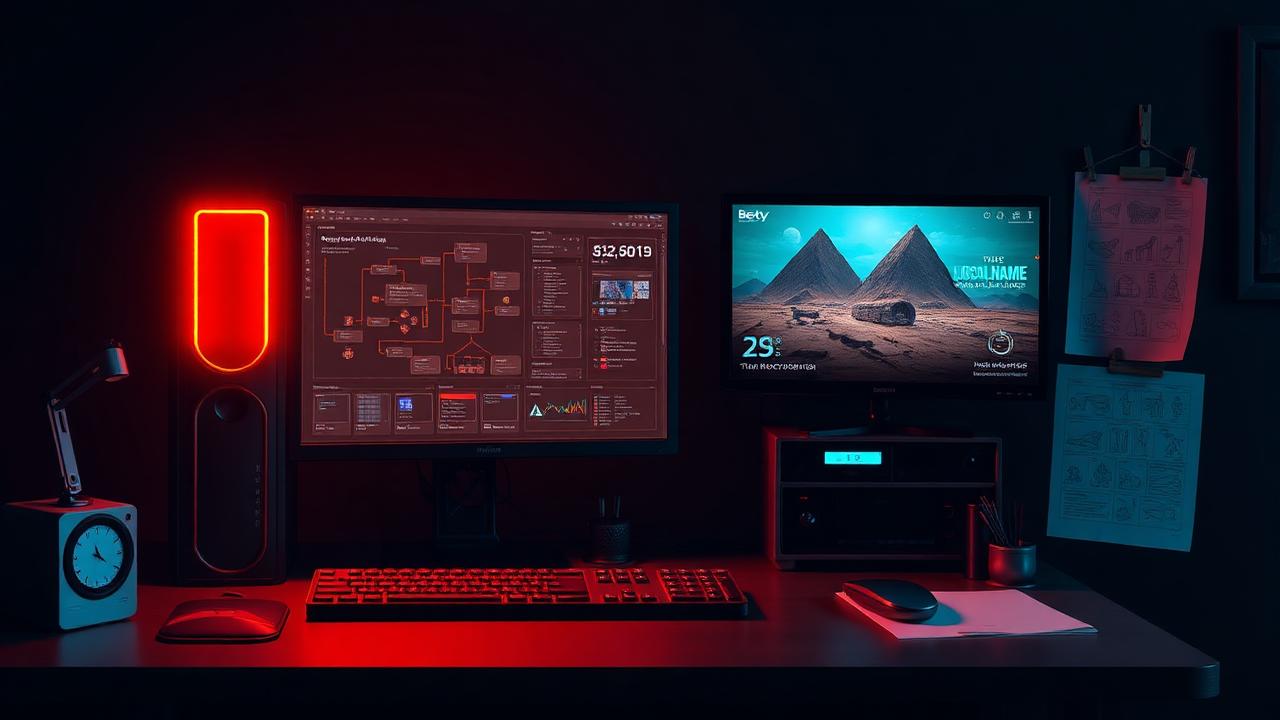
Can I do the grunt work locally and save the expensive AI for the final shot?
AI video is getting seriously impressive. There's just one problem: experimenting with it can get expensive very quickly.
When you're making a film, the first generation usually isn't the final shot. Maybe the camera moves incorrectly. Maybe the character turns the wrong way. Maybe the timing is off. Maybe the composition doesn't work. Or perhaps the AI simply decides that physics was more of a suggestion than a rule.
So you generate again. And again. And again. Every attempt costs credits.
For a large studio, that might simply be another production expense. Creative Bandit Studios, however, is a one-person operation being built around a full-time day job and a decidedly non-Hollywood budget.
So I've started asking a different question: what if I don't use the expensive AI to figure out the shot? What if I figure out as much as possible locally first? That's the experiment.
The idea — I'm currently investigating building a powerful local workstation capable of running ComfyUI and open-source AI video models such as Wan 2.2. The intention isn't to replace tools such as Seedance or the premium video models available through services like Runway. Quite the opposite. I want to make better use of them.
My proposed workflow looks something like this: Idea → Storyboard → Blender/Unreal → ComfyUI/Wan 2.2 → Premium AI → Final Edit.
Blender and Unreal Engine can provide the basic structure of a shot. Where is the camera? Where is the character standing? How quickly does the camera move? Where are the buildings? How big is everything? What happens during the shot? It doesn't necessarily need to look pretty. A rough 3D environment and basic animation could be enough to establish the geography and camera movement.
Then comes the local AI. And this is probably the most important part of the experiment: don't make Wan finish the shot. Make Wan solve it.
I'm not expecting an open-source model running on my own computer to magically produce every finished shot for my films. If it can, fantastic. But that's not the requirement. Instead, I want something like Wan 2.2 to handle the grunt work.
I can potentially generate and regenerate locally until the movement, timing, composition and general performance are where I want them. The character's face might not be perfect. The background might wobble. There might be some classic AI weirdness happening in frame 73. That's fine. If the shot itself works, the experiment has succeeded. That resulting video can then become another reference for the final generation.
Then bring out the expensive toys. Once I've solved the shot locally, that's when something like Seedance comes in. Instead of asking a premium model to invent everything from a text prompt, I could potentially provide it with several pieces of information: the Wan 2.2 video for movement, timing and performance; Blender renders for camera, geometry, positioning and composition; Unreal Engine renders for environment, staging and lighting; character artwork for what the characters are actually supposed to look like; and a prompt tying everything together.
The premium model then has a much clearer job: take all of this information and turn it into the finished shot. At least, that's the theory. Whether it actually works reliably is exactly what I'm going to find out.
Why bother? Because generating locally changes the economics. A local generation isn't completely free — there's the cost of the computer, electricity and, perhaps most importantly, time. But I'm not watching a credit counter disappear every time an experiment goes wrong. If I need nine attempts to work out a camera movement locally and only two premium generations to produce the final result, that could be considerably more economical than using premium generations for all eleven attempts.
It could also give me something even more valuable: control. Generative AI is fantastic at giving you things you didn't expect. Unfortunately, filmmaking occasionally requires getting exactly what you did expect. Combining traditional 3D tools, local generative AI and premium AI models might provide a useful middle ground.
The proposed pipeline — Script/Idea → Storyboard → Character & Environment References → Blender/Unreal Previs → ComfyUI/Wan 2.2 → Local Iteration → Select the Best Motion/Performance → Seedance/Premium AI → Cleanup & Upscaling → Edit → Finished Shot. It's effectively a tiny virtual production pipeline built for one person. Or it could be a spectacularly overcomplicated way of making an anime character walk across a room. We'll find out.
I'm going to keep score. I don't just want to come away from this saying that the workflow feels cheaper. Where possible, I'm going to record things such as: local generations, local generation time, premium generations, credits spent, approximate cloud cost, total production time, and whether the final shot is usable. And every experiment gets a verdict: SUCCESS / PARTIAL SUCCESS / FAILED / NOT WORTH IT.
Failures are going in the devlog too. Actually, those might be the most useful part. If Blender → Wan → Seedance produces something worse than simply putting an image straight into Seedance, there's no point pretending otherwise.
What's next? First, I need the hardware. I'm currently researching a workstation somewhere between a high-end creator PC and a fairly serious local AI workstation — enough GPU memory and system memory to comfortably experiment with modern open-source video models alongside Blender, Unreal Engine and my normal editing software.
Once that's sorted, the first proper test will be deliberately simple: can I create a rough shot locally with Wan 2.2 and successfully use that result as the foundation for a higher-quality premium AI generation? Then I'll start making things progressively more difficult — camera movements, multiple characters, action, environments, consistency between shots. And eventually, using the workflow on an actual Creative Bandit Studios production.
Because that's ultimately the point of all of this. I'm not particularly interested in building the world's most elaborate ComfyUI workflow just for the sake of having one. The technology has to help me tell stories. If it doesn't, it goes in the bin.
Let's see what happens.